Appointment Setting and Sales Automation: The Complete Stack for 2026
How to combine AI appointment setting with full sales automation – from lead capture to closed deal. The complete guide for B2B teams looking to scale without hiring.
Appointment setting and sales automation are no longer two separate initiatives – they're a single, integrated system. When connected correctly, AI can take a lead from first contact to confirmed meeting in under five minutes, with zero manual work. Here's how to build it.
Why Appointment Setting and Sales Automation Belong Together
Most B2B teams still treat these as separate processes:
- Sales automation handles email sequences, CRM updates, lead scoring
- Appointment setting is done manually by SDRs making calls
The result? A gap. Automated systems generate warm leads, but humans are the bottleneck that converts them into meetings. AI closes that gap.
When appointment setting is automated as part of the broader sales automation stack, leads flow through the entire pipeline without dropping off:
Lead captured → Enriched in CRM → AI calls within 3 minutes
→ Qualification conversation → Calendar checked live
→ Meeting booked → CRM updated → Rep notified
The Components of a Modern Appointment Setting + Sales Automation Stack
1. Lead Capture and CRM Enrichment
Every automated appointment setting workflow starts with clean lead data:
- Form submissions (website, landing pages, ad campaigns)
- Intent signals (content downloads, pricing page visits, demo requests)
- Event data (trade show scans, webinar registrations)
- Inbound calls (existing contacts requesting information)
These signals should flow automatically into your CRM (HubSpot, Salesforce, Pipedrive) and trigger the next step immediately.
2. Instant AI Outbound Calling
The moment a qualified lead enters your CRM, an AI voice agent initiates contact. This is where appointment setting automation delivers its biggest impact:
Speed matters more than almost anything else:
Companies that contact leads within 5 minutes see up to 21× higher conversion rates than those responding after 30 minutes.
An AI system operates around the clock. There's no delay for lunch breaks, meetings, or time zones.
3. Qualifying Conversation
Not every lead should get a meeting. A good AI appointment setting system qualifies before booking:
- Need: Does the prospect have a problem your product solves?
- Budget: Can they afford a solution?
- Authority: Are they the decision-maker?
- Timeline: Is now the right time?
Only leads that pass qualification get offered a meeting slot. This keeps your sales team's calendar full of high-quality conversations.
4. Real-Time Scheduling
Once qualified, the AI queries your calendar live during the conversation:
- Pulls available slots from Google Calendar or HubSpot Meetings
- Offers 2–3 options that fit the prospect's stated preferences
- Books the meeting immediately upon confirmation
- Sends calendar invites to both parties
No back-and-forth. The meeting is booked before the call ends.
5. CRM Automation Post-Call
After every AI call, the sales automation layer kicks in:
- Call log saved to contact record (date, duration, outcome)
- Conversation summary added as a CRM note
- Deal stage updated automatically (e.g., "Appointment Set")
- Follow-up task created if the lead needs a second touch
- Reminder sequence triggered to reduce no-shows
6. Pre-Meeting Automation
The gap between booking and meeting is where deals die. Automate the nurture:
- Confirmation email immediately after booking
- Reminder 24 hours before the meeting
- Day-of reminder 1 hour before
- Pre-meeting content (case study, demo video) sent 48 hours before
Automating this typically reduces no-show rates from 25–35% to 8–15%.
Sales Automation Beyond Appointment Setting
A complete sales automation stack extends past booking:
Post-Meeting Automation
- Automatic follow-up email 2 hours after meeting (AI-generated summary)
- Proposal creation trigger when deal moves to "Interested"
- Sequence pause when deal is in active negotiation
Pipeline Automation
- Deal stage transitions based on activity (email opened, link clicked, meeting completed)
- Automatic task creation for next steps
- Alert to sales manager when deal is stalled > 7 days
Re-Engagement Automation
- Leads that don't answer get automated follow-up sequences (call → email → call → LinkedIn)
- Closed-lost deals re-enter the sequence after 90 days
- Previous customers flagged for upsell outreach after renewal window opens
Metrics That Define a High-Performing System
Once your appointment setting and sales automation stack is live, track these KPIs:
| Metric | Benchmark | What It Tells You |
|---|---|---|
| Time to first contact | < 5 minutes | Speed of your lead routing |
| Reach rate | 40–60% | Quality of lead data + timing |
| Qualification rate | 25–40% | Targeting accuracy |
| Booking rate (of qualified) | 50–70% | Script and offer quality |
| No-show rate | < 15% | Reminder automation effectiveness |
| Pipeline velocity | Depends on segment | Overall system efficiency |
Common Mistakes When Automating Appointment Setting
1. Automating too early in the funnel
Not every lead is ready for a call. If you trigger AI calls for every form submission, including TOFU (top-of-funnel) content downloads, you'll burn leads and damage brand perception. Use lead scoring to filter.
2. Neglecting the conversation script
The AI is only as good as its script. A generic script ("Hi, I'm calling about our software solution...") will achieve generic results. Invest time in:
- Opening that references the lead's specific context
- Questions that feel consultative, not interrogative
- Objection responses that acknowledge rather than push back
3. Skipping the qualification step
Booking every interested lead wastes your sales team's time. Build in at least 2 qualifying criteria before offering a meeting.
4. Not closing the feedback loop
AI appointment setting gets better over time – if you feed it data. Review call recordings (or transcripts) regularly, identify drop-off points, and update the script accordingly.
Getting Started: The 30-Day Rollout Plan
Week 1: Foundation
- Map your current lead-to-meeting process
- Identify the single highest-value lead source to automate first
- Connect CRM + AI calling platform + calendar
Week 2: Script and Test
- Write and refine conversation script
- Test with 20–30 leads
- Review recordings and optimize
Week 3: Scale
- Expand to all qualified lead sources
- Enable post-call CRM automation
- Set up reminder sequences
Week 4: Measure and Iterate
- Review KPIs vs. baseline
- Identify top 3 drop-off points
- Implement first round of optimizations
The Bottom Line
Appointment setting and sales automation aren't future investments – they're a competitive necessity today. Every day your team spends manually dialing leads and coordinating calendars is a day your competitors are spending on higher-value work.
With PowerSetter.ai, you can deploy a complete appointment setting and sales automation system in a single afternoon: connect your CRM, integrate your calendar, write your script, and let AI handle the rest.
Ready for AI-Powered Outbound Calls?
Start for free and automate your cold outreach with PowerSetter.ai.
Get Started FreeRelated Articles

AI Outbound Calling: The Complete Guide for 2026
Learn how AI-powered outbound calls can transform your sales pipeline. The complete guide to AI calling – from technology to practice.

Automated Appointment Setting: How AI Books Meetings Without Human SDRs
Learn how to automate your entire appointment setting process with AI – from first contact to confirmed calendar invite. Cut costs, increase speed, and scale without hiring.
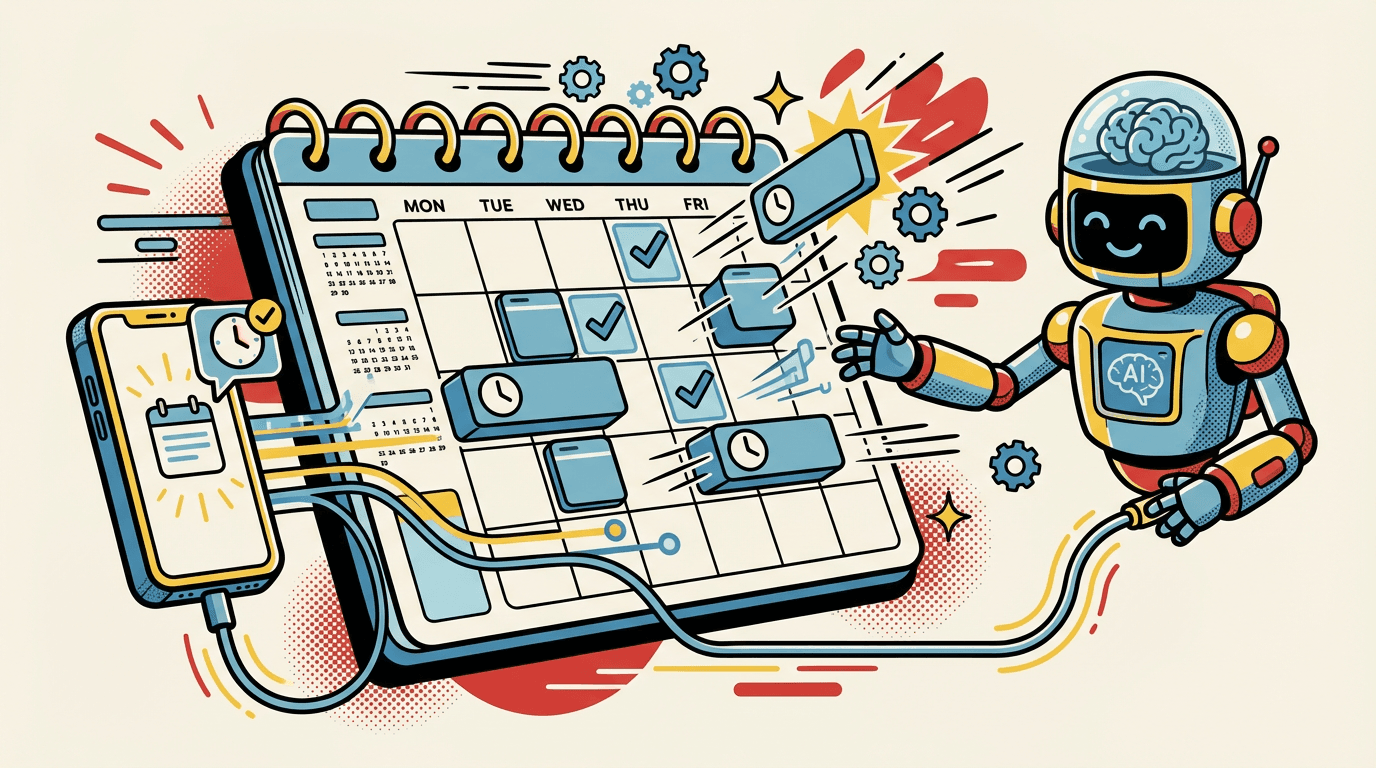
Automate Appointment Booking: 5 Ways AI Can Supercharge Your Sales
Discover how AI-powered automation can optimize your appointment booking process and give your sales team back valuable hours every week.