HubSpot + AI Calling: The Ultimate CRM Integration Guide
Learn how to connect HubSpot with AI-powered calling to automate your sales process from lead capture to booked appointment.
HubSpot is the CRM of choice for thousands of B2B companies. But most only use a fraction of its potential. Connecting HubSpot with AI-powered calling opens up an entirely new dimension of sales automation.
Why HubSpot + AI Calling Is a Perfect Match
HubSpot stores all relevant information about your leads: contact details, interaction history, deal status, lead score. This data is incredibly valuable – but only if it's actually used.
The typical situation without AI integration:
- Marketing generates a lead in HubSpot
- SDR sees the lead in their task list
- SDR manually researches context information
- SDR tries to reach the lead by phone (3–5 attempts)
- If successful: Manual appointment entry
- If unsuccessful: Lead falls through the cracks
With AI integration, this becomes:
- Marketing generates a lead in HubSpot
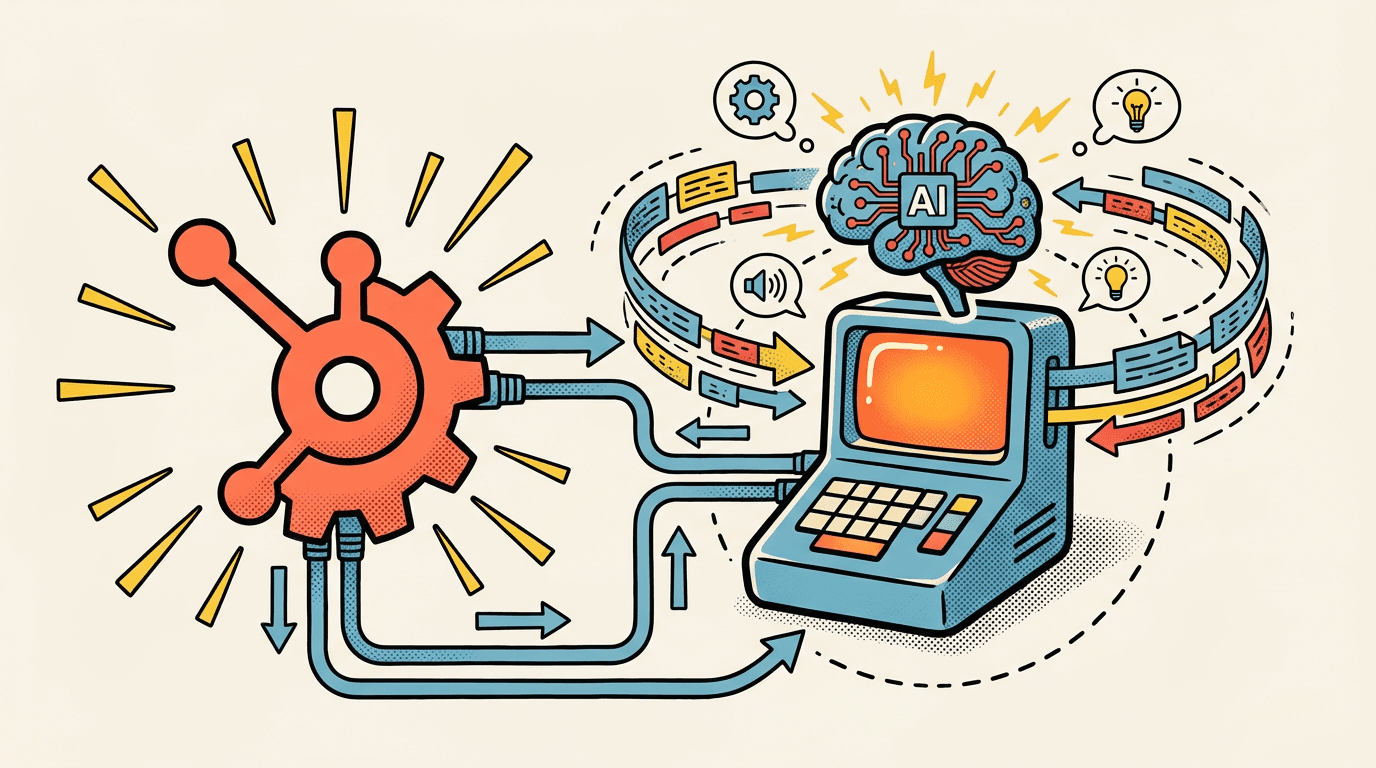
- Webhook automatically triggers an AI call
- AI uses HubSpot data for contextual conversation
- Appointment is logged directly in HubSpot + calendar
- Deal is automatically moved to the next pipeline stage
Technical Integration Step by Step
Step 1: Connect Your HubSpot App
The connection between your AI calling platform and HubSpot happens via OAuth 2.0:
- One-time authorization in settings
- Automatic token management
- Access to contacts, deals, and calendar
Step 2: Define Workflow Triggers
In HubSpot, you create workflows that automatically trigger AI calls on specific events:
- New contact created with a certain lead score
- Form submitted on a specific landing page
- Deal stage changed (e.g., "Qualification" reached)
- Time-based: Lead hasn't responded in X days
Step 3: Enrich Conversation Scripts with CRM Data
The AI uses HubSpot data to personalize the conversation:
- Company name and industry for relevant examples
- Previous interactions (website visits, email opens)
- Lead score for prioritization
- Custom properties for industry-specific messaging
Step 4: Write Results Back to CRM
After every call, results are automatically documented in HubSpot:
- Call log with date, duration, and outcome
- Conversation summary as a note on the contact
- Appointment as a meeting entry in the calendar
- Deal update: Pipeline stage is automatically updated
- Task created: If follow-up is needed
Real-World Scenarios for HubSpot + AI Calling
Scenario 1: Inbound Lead Qualification
A visitor fills out a contact form on your website. Instead of waiting hours or days for a callback, they receive an AI call within 5 minutes. Inbound lead conversion rates increase by up to 400% when first contact happens within the first 5 minutes.
Scenario 2: Trade Show Lead Follow-Up
After a trade show, you have 200 new contacts in HubSpot. Instead of 3 weeks of manual follow-up, the AI calls all contacts within 48 hours, qualifies them, and books appointments for your sales team.
Scenario 3: Customer Reactivation
Customers who haven't ordered in 6 months are automatically called. The AI inquires about current needs and books a consultation appointment when interest is shown.
Data Privacy and Compliance
Integrating CRM data with AI calling requires special care:
- GDPR: Document the legal basis for the call (Art. 6 GDPR)
- Opt-out: Automatic opt-out option in every call
- Data storage: Store call recordings and transcripts in GDPR-compliant manner
- Access rights: Only authorized users can view conversation data
Conclusion: Your CRM Becomes a Sales Engine
Integrating HubSpot with AI-powered calling transforms your CRM from a passive database into an active sales engine. Leads are automatically contacted, qualified, and converted into appointments – without manual steps in between.
PowerSetter.ai offers a native HubSpot integration that can be set up in minutes. Connect your CRM, define your workflows, and let AI take your sales to the next level.
Ready for AI-Powered Outbound Calls?
Start for free and automate your cold outreach with PowerSetter.ai.
Get Started FreeRelated Articles
Google Calendar + AI Appointment Setting: Book Meetings Automatically
How to connect Google Calendar with AI-powered calling and book appointments directly from the call – no manual back-and-forth required.

Appointment Setting and Sales Automation: The Complete Stack for 2026
How to combine AI appointment setting with full sales automation – from lead capture to closed deal. The complete guide for B2B teams looking to scale without hiring.
Automated Appointment Setting: How AI Books Meetings Without Human SDRs
Learn how to automate your entire appointment setting process with AI – from first contact to confirmed calendar invite. Cut costs, increase speed, and scale without hiring.